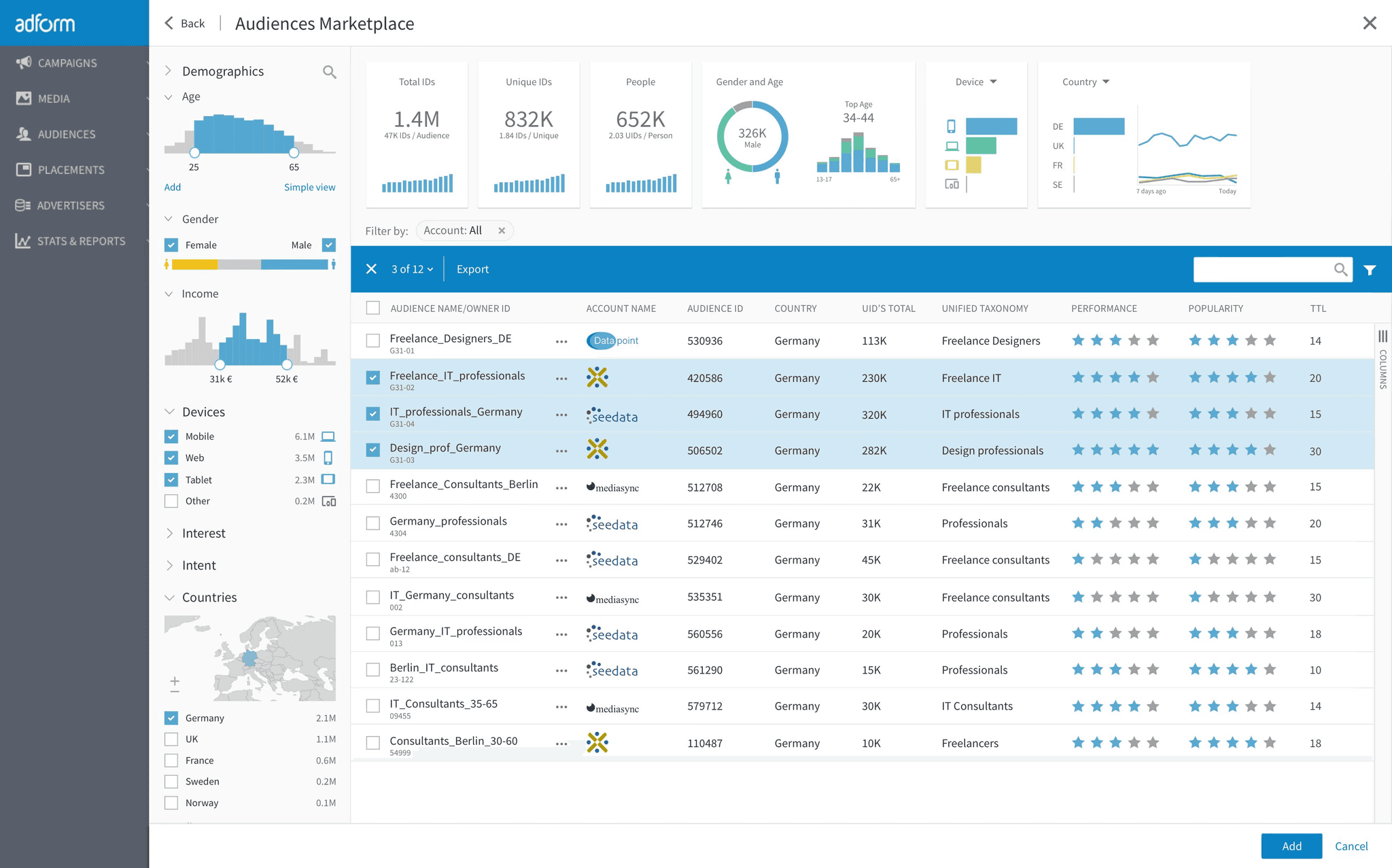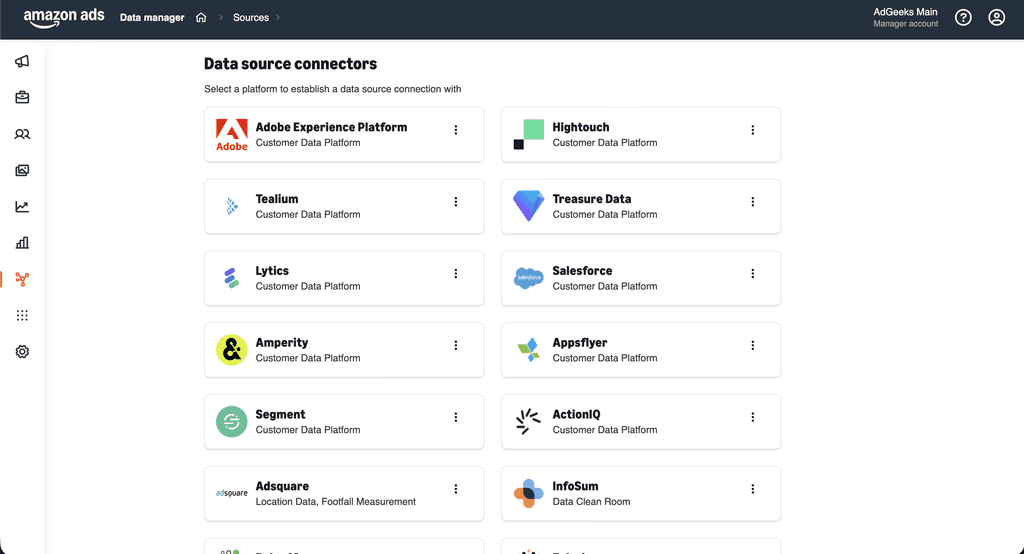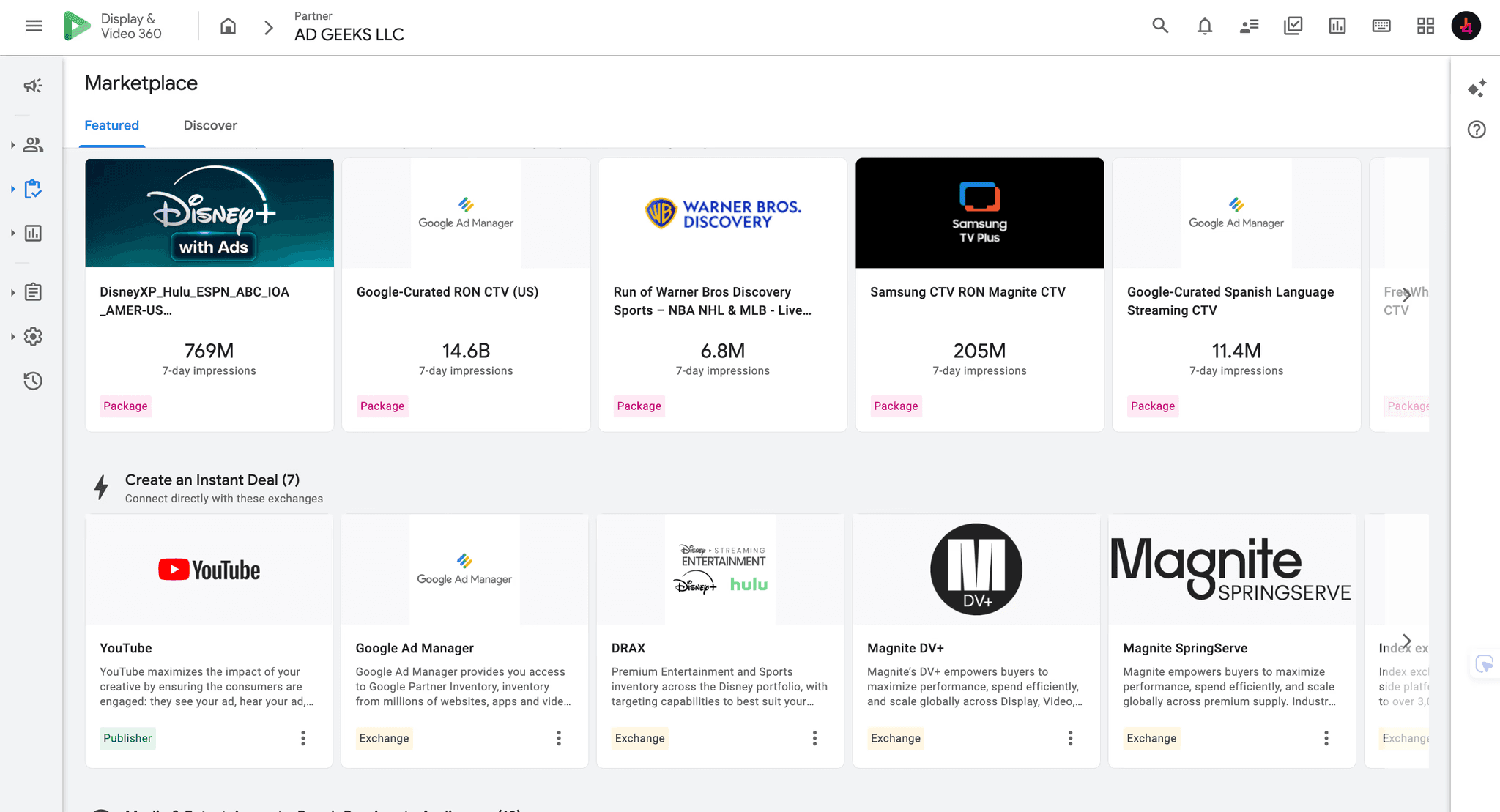
Display & Video 360 is not opened through the same instant signup flow as Google Ads. That can make DV360 look unavailable unless a brand or agency negotiates its own enterprise agreement with Google.
A direct Google contract is one route, but it is not the only operating route. A qualified DV360 partner can place a brand or agency inside an Advertiser environment under its Partner structure. The practical decision is not simply whether you receive a login. It is which account you use, what your team can see and edit, who runs campaigns, how billing works and what happens when the relationship ends.
Quick answer: Yes. A brand or agency can use DV360 without holding its own direct Google contract by working through an existing DV360 partner. The partner provisions or supports the Advertiser environment, then provides self-service, managed or hybrid access. Before signing, verify the Partner, user roles, billing, fees, support, data access and exit terms.
If you are evaluating the platform itself, start with the Ad Geeks DV360 solution overview. This guide focuses on how access works when your organization does not have a direct Google relationship.
What “without a direct Google contract” means
Google documents DV360 as a Partner-and-Advertiser structure. The Partner is the higher organizational layer. Advertisers sit below it and contain the campaigns, insertion orders, line items, audiences, creatives and settings used for media buying.
In a direct arrangement, your organization holds the relevant commercial relationship and operates its own structure. In a partner arrangement, another organization already has the Partner-level relationship and provisions or supports the Advertiser environment your team uses.
Using a partner does not mean access is fake or that the advertiser must surrender all control. It means the commercial, administrative and support relationship is routed through that partner. The exact level of control depends on the user roles, operating model and contract you agree.
Google states that a Partner may represent an agency, trading desk or large individual advertiser. Google also states that creating an Advertiser requires Partner-level access. Those details explain why a partner route can provide legitimate DV360 access without your organization first establishing its own direct contract.
The four practical routes to DV360
Access route | Who operates campaigns? | Typical visibility | Best fit |
|---|---|---|---|
Direct Google relationship | Your team | High | Large organizations ready to own platform administration, trading, governance and billing |
Partner self-service | Your team | High, subject to assigned roles | Brands and agencies with experienced programmatic traders |
Managed service | Provider | Varies by agreement | Teams that need DV360 capability without an in-house trading function |
Hybrid | Shared | Usually high, subject to assigned roles | Teams that want strategic control plus technical and trading support |
1. Direct Google relationship
Google’s DV360 overview directs organizations seeking a new account to contact sales. Google does not publish one universal public eligibility threshold or a standard public price for every direct contract. Eligibility, commercial terms, service scope and billing depend on the relationship offered.
This route can suit an organization with substantial media operations, experienced traders, governance processes, finance support and the technical resources to manage integrations and measurement.
For a practical preparation overview, see how to start with DV360.
2. Partner self-service access
An existing DV360 Partner provisions or supports the Advertiser environment while your own team builds and optimizes campaigns. This can provide hands-on platform control without requiring your organization to establish its own Partner structure.
Self-service still requires real expertise. Your team needs to own campaign architecture, targeting, inventory, bidding, pacing, frequency, creative QA, measurement and troubleshooting. A login is not a substitute for a programmatic trader.
3. Managed DV360 service
A managed service combines access with campaign execution. The provider may own planning, setup, trafficking, bidding, pacing, optimization, deal activation, creative QA and reporting. Platform visibility can range from reporting-only access to a full operational role, so it must be written into the agreement.
Use the DV360 managed service guide to compare delivery scope, governance and reporting responsibilities.
4. Hybrid access
A hybrid model divides responsibility. The brand may own goals, budgets, creative direction and approvals while the provider owns technical setup, trading, optimization and escalation. Agencies may keep client strategy and communication while a specialist partner supports execution.
Hybrid access can also be a transition path. A team can begin with more support, then take on additional responsibilities after training and process validation.
Brands and agencies need different account designs
For a brand
A brand normally needs one clearly identified Advertiser environment, documented user roles, reporting access, cost visibility and a defined operating model. Confirm how first-party audiences, Floodlight activities, Campaign Manager 360 links, creatives, deals and historical reports will be handled.
For an agency
An agency may need multiple client Advertisers, user governance by client, separate billing or reporting, reusable operating standards and protection of each client’s data. It should also clarify whether it can invite client users, which roles clients receive and how a client transition would work.
The difference between reseller, agency and hybrid structures is covered in the DV360 partner-model comparison.
How the request-access flow works
Step 1: Define what you actually need
State whether you want self-service, managed or hybrid access. Include the markets, expected media channels, indicative budget range, launch timing and whether the account is for one brand or multiple agency clients.
Step 2: Document your operating capability
For self-service access, identify the people who will trade campaigns and describe their DV360 or programmatic experience. If the team is new to the platform, request onboarding, training or managed support rather than assuming credentials alone will be enough.
Step 3: Map measurement and technology
List the websites, apps, conversion events, analytics tools and ad-server dependencies involved. Confirm whether you already use Campaign Manager 360, Floodlight, Google Analytics, an approved verification provider or a data platform that must connect to DV360.
Step 4: Complete business and billing checks
A provider may request legal business details, invoicing information, tax information, expected spend, payment terms and a credit or prepayment arrangement. These checks are commercial onboarding requirements, not a universal public Google signup form.
Step 5: Approve the account and permissions map
Before provisioning, agree the Partner name, Advertiser name, billing owner and exact role for each user. Google’s role-based model includes permissions that can restrict editing, cost visibility or fee visibility. “Full access” is too vague unless the role and scope are named.
Step 6: Configure the Advertiser
Set the account basics, users, billing profile, measurement links, brand-safety defaults and any required integrations. Keep a written record of who completed each item and who can change it later.
Step 7: Run launch QA
Test access with each user. Validate conversion measurement, creative approvals, budgets, targeting, frequency controls, reporting fields and escalation contacts. The first DV360 campaign setup guide covers the campaign build, while the common DV360 setup mistakes guide helps with pre-launch QA.
Share your team structure, markets, campaign goals and expected operating model. Ad Geeks can assess self-service, managed and hybrid options.
Information to prepare before requesting access
Legal company name, country and billing details
Brand, agency or agency-for-client use case
Markets and campaign objectives
Planned channels, such as display, online video, YouTube, CTV, audio or digital out-of-home
Indicative monthly or campaign media budget
Preferred self-service, managed or hybrid model
Names, business emails and required roles for users
Programmatic experience of the operating team
Expected launch date
Websites, apps and conversion events
Campaign Manager 360, Floodlight, analytics and verification requirements
Creative formats and approval status
Reporting and cost-visibility requirements
Billing, payment and purchase-order requirements
Permissions to verify before launch
Google documents role-based access at both Partner and Advertiser level. Ask for a user-permissions table that names each person, assigned entity, role and allowed actions.
Who can create, edit, pause and archive campaigns?
Who can manage users?
Who can create audiences, creatives and inventory deals?
Can your team see media cost, platform fees and other required cost fields?
Can your team export the dimensions and metrics required for independent analysis?
Which actions remain provider-only?
Test these permissions in the actual account. A role name in a proposal is less useful than a verified login and sample export.
Fees, minimums and billing
DV360 does not have one public flat price that applies to every advertiser. Google’s fee documentation says applicable Partner-level fee rates depend on the contract and can vary by inventory type. A partner or managed-service provider may add its own commercial terms.
Ask for a breakdown of:
Media spend
DV360 platform or access fees
Partner markup
Campaign-management fees
Data, verification and measurement costs
Creative or ad-serving costs
Setup, training or support costs
Monthly, annual, campaign or inventory-specific minimums
Do not treat a provider’s minimum as a universal Google requirement. The DV360 pricing and access-cost guide explains how to separate media, platform and service charges.
What good onboarding support includes
Support should be concrete. Ask what is included, who provides it and how quickly the team responds.
Account and user provisioning
Advertiser settings and billing-profile guidance
Campaign Manager 360 and Floodlight coordination
Audience, inventory and deal setup
Creative specification and approval checks
Campaign build review
Pacing, bidding and optimization guidance
Policy, delivery and measurement troubleshooting
Reporting setup and cost transparency
Named escalation contacts and response expectations
Teams planning to trade internally should also request training and an initial quality review. A structured DV360 audit checklist is useful before the first campaign and after major account changes.
Contract points that protect continuity
A partner-provisioned Advertiser may not be portable in the way a brand expects. Do not wait until termination to discuss continuity.
Which reports and raw data can be exported?
How long will access remain active after notice?
What happens to campaigns, creatives, audiences, deals and historical reporting?
How will Floodlight and linked-account dependencies be documented?
What transition support is included?
Which assets can be recreated or transferred, and which cannot?
Who is responsible for final invoices and outstanding media charges?
Red flags when comparing providers
No Partner or Advertiser explanation. The provider should explain where the Advertiser sits and who administers it.
“Full access” without a named role. Google uses specific roles with different permissions and cost visibility.
One bundled fee. Media, platform, service, data and third-party costs should be separable.
No operator is named. Someone must own setup, pacing, optimization, QA, underdelivery and troubleshooting.
Vague support. Ask for channels, hours, response expectations and escalation steps.
No exit process. Data exports, access timing and transition responsibilities should be written down.
A provider minimum presented as a Google rule. Ask who sets each threshold and where it appears in the agreement.
Questions to ask before you sign
Under which DV360 Partner will our Advertiser sit?
What is the exact Partner and Advertiser name?
Which role will each employee or client receive?
Who can manage users, billing, audiences, creatives and deals?
Who operates campaigns day to day?
Can we view and export the campaign, inventory and cost data we require?
What are the media, platform, partner, management, data and verification charges?
Which minimums apply, and who sets them?
What onboarding and training are included?
How are support requests and escalations handled?
Can we move between managed, hybrid and self-service models?
What happens to access, reporting and campaign history if the agreement ends?
Frequently asked questions
Can a small brand get DV360 access?
Potentially, yes. A small brand can work through a DV360 partner rather than pursuing its own direct enterprise relationship. The provider may still set commercial, billing, compliance or support requirements. Compare the total cost and operating burden with the value of the inventory, controls and measurement you need.
Can an agency get DV360 access for multiple clients?
Yes, a partner arrangement can support multiple client Advertisers. The agency should confirm client separation, user governance, billing, reporting, data protection and the process for offboarding one client without affecting others.
Is partner access the same as a direct Google contract?
No. The platform may be the same, but the commercial, administrative, billing and support relationships differ. Under partner access, the Advertiser sits within the partner’s structure and the partner normally controls some Partner-level functions.
Will our team receive a DV360 login?
That depends on the operating model. Self-service and hybrid arrangements commonly include user access. A managed service may provide full, limited or reporting-only access. Require the exact role and scope in writing.
Do we need Campaign Manager 360?
Not every DV360 use case requires the same Campaign Manager 360 setup, but many teams use Campaign Manager 360 and Floodlight for ad serving, measurement and linked workflows. Confirm the required stack during onboarding rather than assuming it is included automatically.
Is there a universal DV360 minimum spend?
Google does not publish one universal public minimum that applies to every access arrangement. Direct contracts, partners, managed services, campaigns, publishers and deals may each have different thresholds. Ask who sets every minimum.
How long does DV360 onboarding take?
Timing depends on commercial approval, billing, user setup, measurement, creative readiness and campaign complexity. A prepared team can shorten the process by submitting business details, roles, billing information, measurement requirements and launch assets together.
Can we change partners later?
Yes, but the transition may require new account structures, recreated settings and carefully planned data exports. Do not assume the existing Advertiser and every historical asset will move automatically. Agree exit and transition terms before launch.
Tell Ad Geeks who will trade, what you plan to launch and what visibility your team needs. We will map the access, onboarding and support requirements before campaign setup.